

Moisture meters are invaluable for homeowners spotting hidden issues like leaks or excess dampness. But questions about moisture meter accuracy, interpreting moisture meter readings, and troubleshooting are common — especially for pinless moisture meter users checking walls, wood, or drywall.
This FAQ-style guide answers the most searched questions, optimized for quick answers (perfect for featured snippets), with practical tips and the Kiprim WM01 as a top recommendation for reliable home use.


Q1: What moisture meter readings count as "wet"? Readings vary by material and meter type, but general guidelines include:
- Drywall/Walls — Dry: <8%; Moderate: 8–12%; Wet: >12% (risk of mold if sustained).
- Wood (Soft/Hard) — Dry: <12–20%; Moderate: 20–26%; Wet: >26% (risk of rot or warping).
- Masonry/Concrete — Dry: <13%; Moderate: 13–21%; Wet: >21%.
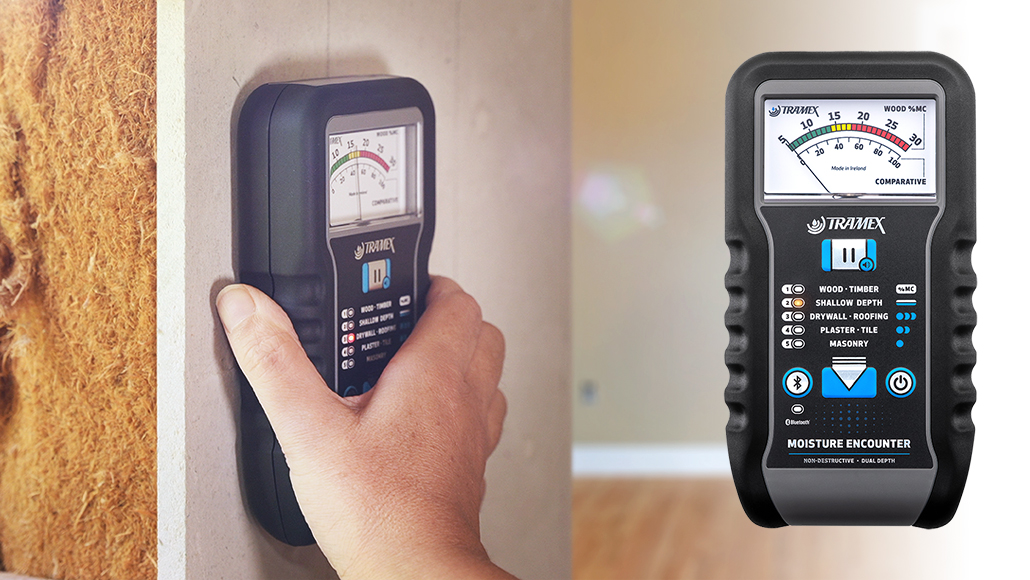
Many devices (like pinless models) use color-coded alerts: green = dry/safe, yellow = moderate/investigate, red = wet/act now. Audible/visual alarms trigger on high levels. Always compare to a known dry area for context.
Q2: Why are my moisture meter readings unstable or jumping around? Common causes of fluctuating moisture meter readings:
- Poor sensor contact — Ensure full, flat pressure (no gaps or tilting).
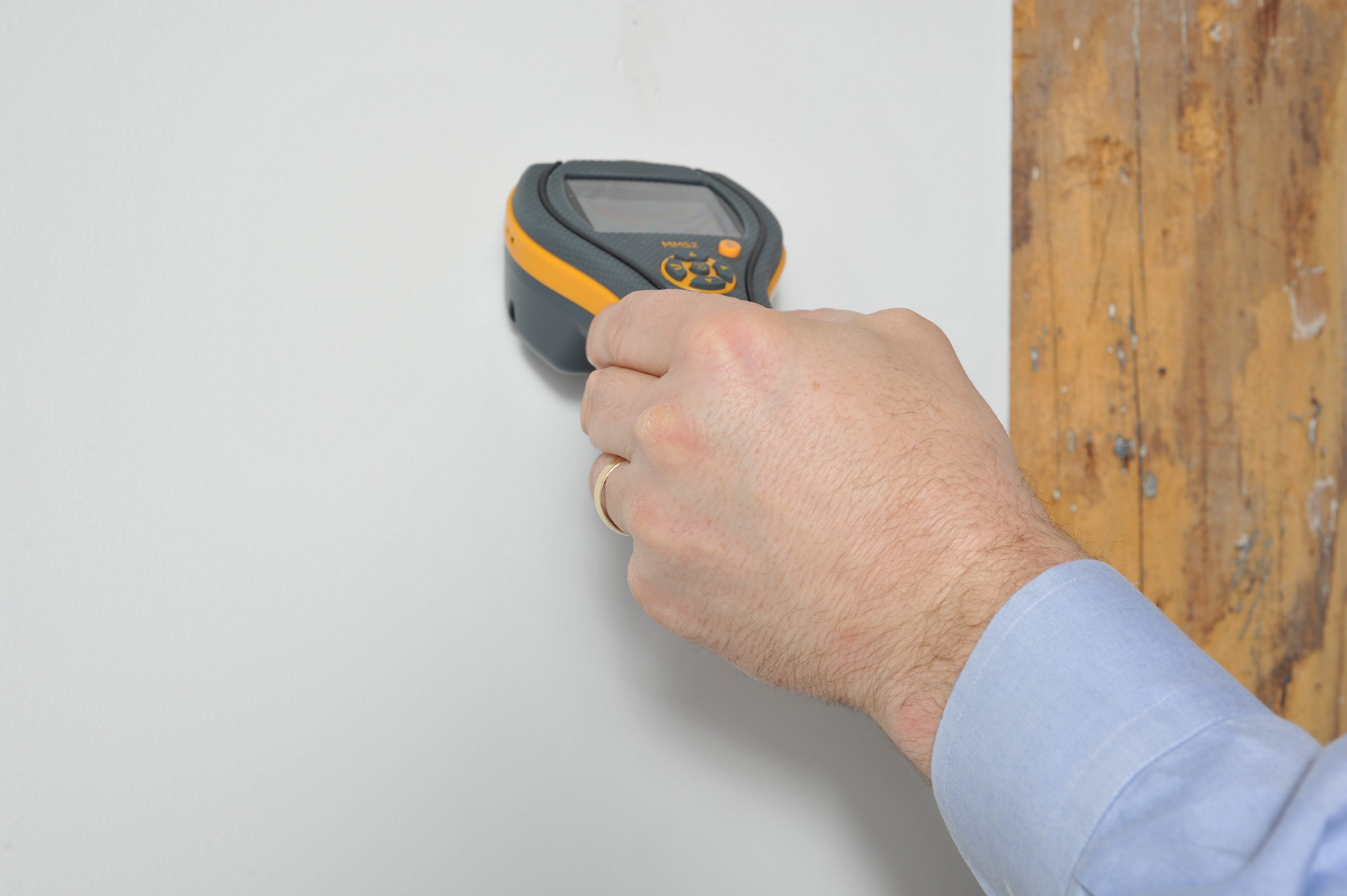
- Surface interference — Metal studs, wires, electrical outlets, or foil-backed insulation can spike readings. Scan nearby dry spots to confirm.
- Environmental factors — High room humidity, temperature extremes, or recent surface moisture (wipe dry first).
- Low battery — Weak power causes erratic behavior.
- No calibration — Always air-calibrate (hold in air for baseline ~0%) before use.
Tip: Take 5–10 readings in a grid and average them for stability.
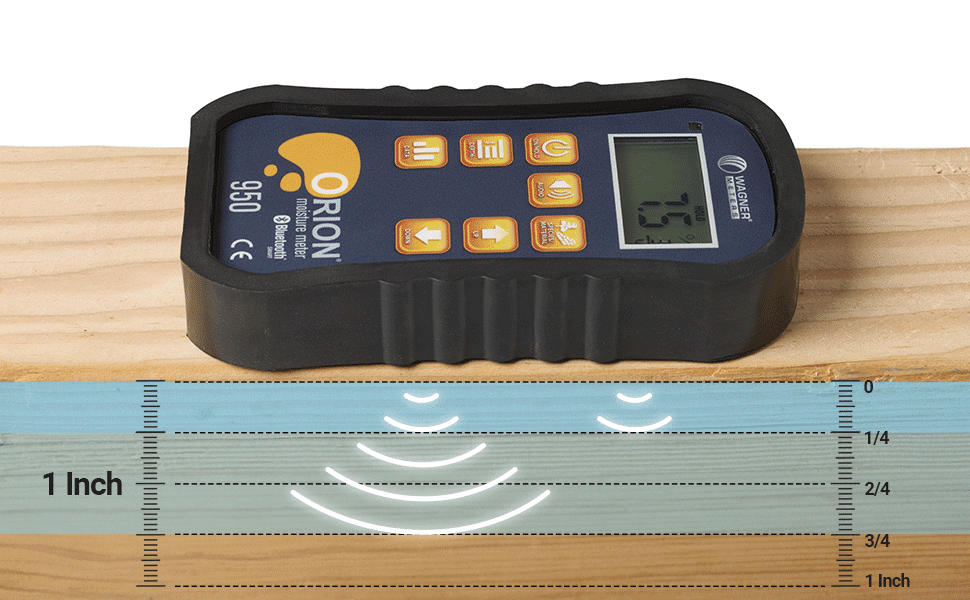
Q3: Can a moisture meter detect moisture in concrete? Yes, many pinless models include a masonry/concrete mode for non-destructive checks. They scan deeper (up to ~1 inch) and detect water intrusion or high humidity in slabs/foundations.
Typical concrete readings: <3–4% is often acceptable for flooring installs (but pair with calcium chloride tests for vapor emission). The Kiprim WM01's masonry mode handles this well for home basements or slabs.
:max_bytes(150000):strip_icc()/289-moisture-meter1-ec4c28b6eb314acfadd75fe86f7035c1.jpg)
Q4: Do moisture meters need calibration, and how often? Most modern pinless meters auto-calibrate when powered on in air (hold away from surfaces for 5–10 seconds to zero).
- When to recalibrate/check: Every use (quick air baseline), after long storage, battery change, or if readings seem off.
- Pro tip: Test on a known dry reference material occasionally. No manual adjustment needed on user-friendly models like the Kiprim WM01.
Bonus Troubleshooting Tips
- Inaccurate on dense/uneven surfaces? Use multiple angles or average readings.
- No reading/alarm? Check battery, clean sensor pad, ensure correct mode.
- For detect water leak in wall or moisture meter for wood, pinless non-invasive designs minimize errors from surface conditions.
Recommended Tool: Kiprim WM01 Pinless Moisture Meter For accurate, stable readings across walls, wood, masonry, and more, the Kiprim WM01 stands out as an affordable moisture meter and one of the best pinless moisture meter options for home users:
- 4 modes (Wall, Masonry, Soft Wood, Hard Wood) for precise material-specific checks
- Large LCD with % display, color-coded alerts, audible/visual alarms
- Data hold, mute function, high-precision sensor
- Non-invasive — ideal moisture meter for walls or home moisture tester without damage
Buy here: Kiprim WM01 Pinless Moisture Meter
Explore the full range: Kiprim Moisture Meters Collection
These answers cover the top moisture meter accuracy and readings questions. Got a specific reading or issue? Share details for more help! 🔍
0 comments