
If you're building projects with Arduino or Raspberry Pi, a reliable DC power supply (also called a bench or lab power supply) is one of the most useful tools on your workbench. Unlike wall adapters or USB cables, a good programmable DC power supply gives you precise control over voltage and current, built-in safety features, and the flexibility to power prototypes, test circuits, and debug without risking your boards.
In this guide, we'll explain why makers love using a DC power supply for Arduino and Raspberry Pi, how to connect it safely, and which models are perfect for your maker projects.
Why Use a Bench DC Power Supply for Arduino & Raspberry Pi?
Arduino boards typically run on 5V (or 7-12V via the barrel jack), while Raspberry Pi models need a stable 5V with enough current (2.5A–5A depending on the model and peripherals). A bench power supply excels here because:
- Adjustable voltage: Test at 3.3V, 5V, or experiment with lower/higher levels
- Current limiting: Protects your board from shorts or faulty code drawing too much power
- Clean, low-noise output: Better than cheap adapters for sensitive sensors or analog projects
- Quick adjustments: No swapping wall warts when testing different voltages
- Monitoring: Built-in displays show real-time voltage and current draw
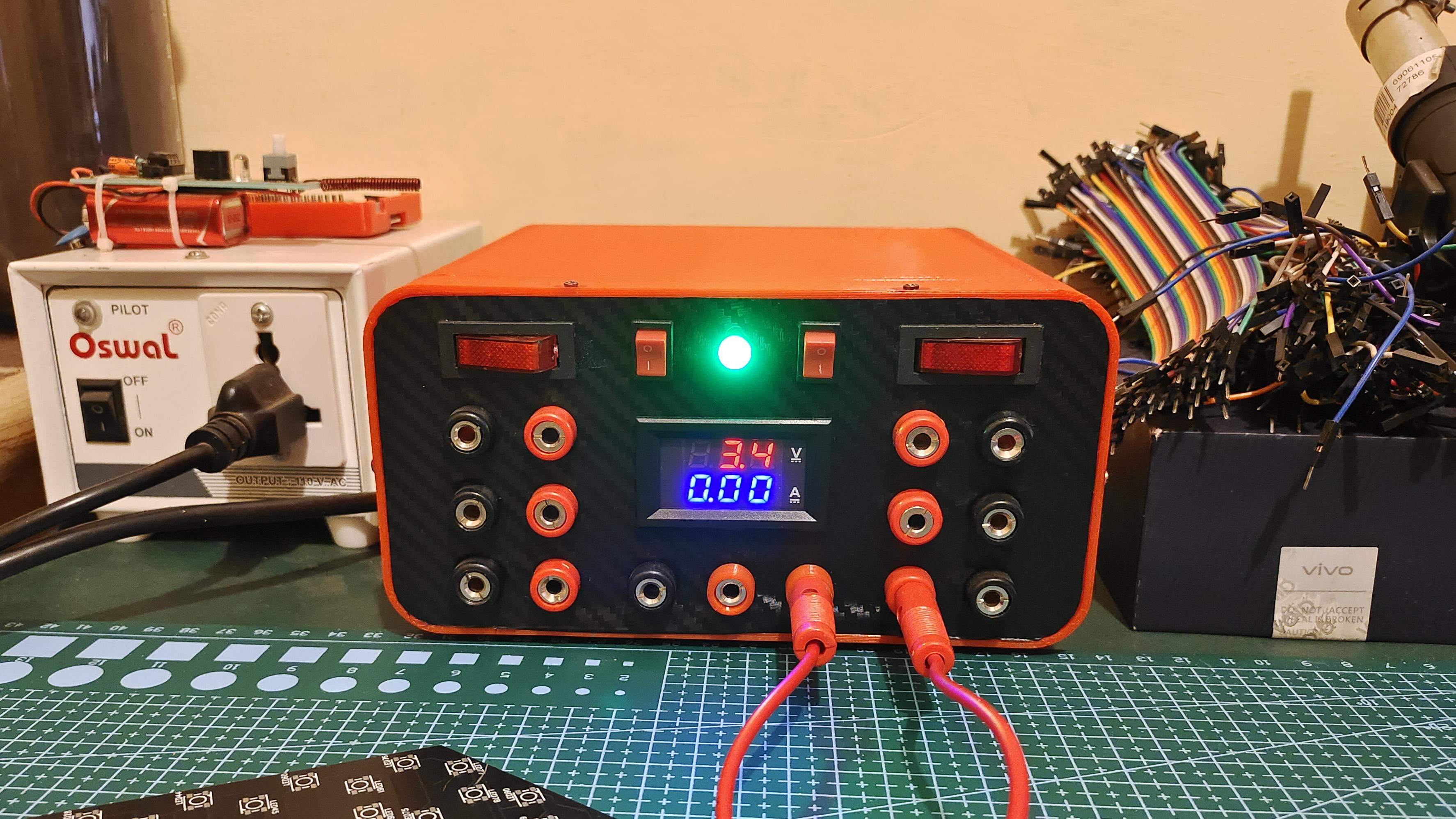
Here's a classic setup showing an Arduino board powered directly from a bench DC power supply using banana-to-jumper wires — simple, reliable, and safe:
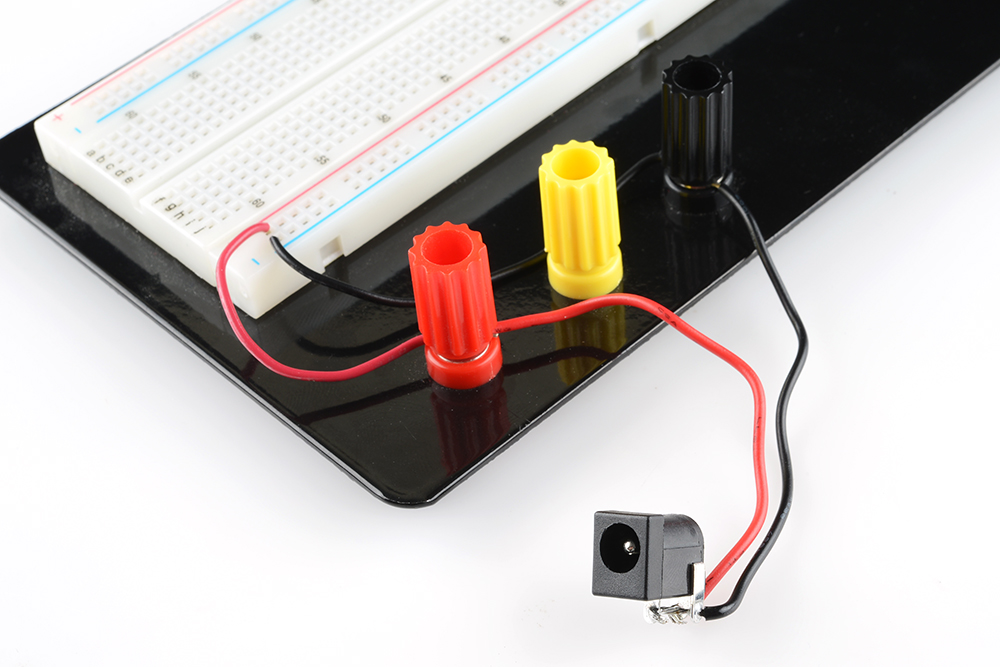
And another breadboard-based Arduino project powered via a bench supply — notice the clean wiring and easy access:
Powering Raspberry Pi with a DC Power Supply
Raspberry Pi boards are more power-hungry, especially with HATs, displays, or USB devices attached. A programmable supply lets you set exactly 5.0V–5.25V and monitor current draw to avoid undervoltage warnings or brownouts.
Check out this practical Raspberry Pi workbench setup powered by a bench supply — perfect for development and testing:

And a more advanced maker station showing Raspberry Pi integrated with test equipment and a stable power source:

How to Safely Connect Your DC Power Supply
- Set voltage first (e.g., 5V for both Arduino & Pi)
- Set current limit (start low, like 500mA for Arduino, 2–3A for Pi)
- Turn output off, connect wires (positive to 5V pin/GPIO, negative to GND)
- Turn output on and monitor — watch for CC (constant current) mode if something draws too much
- Adjust as needed and enjoy protected prototyping!
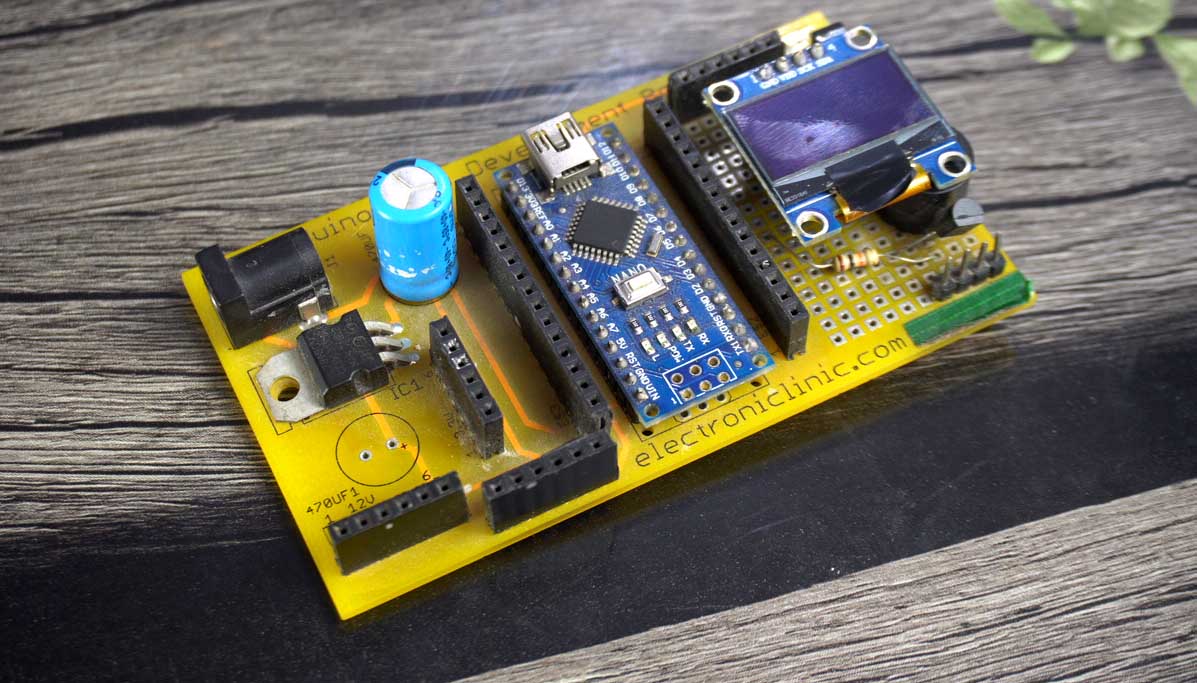
This image shows a clean connection example to a development board using jumper wires from the supply:
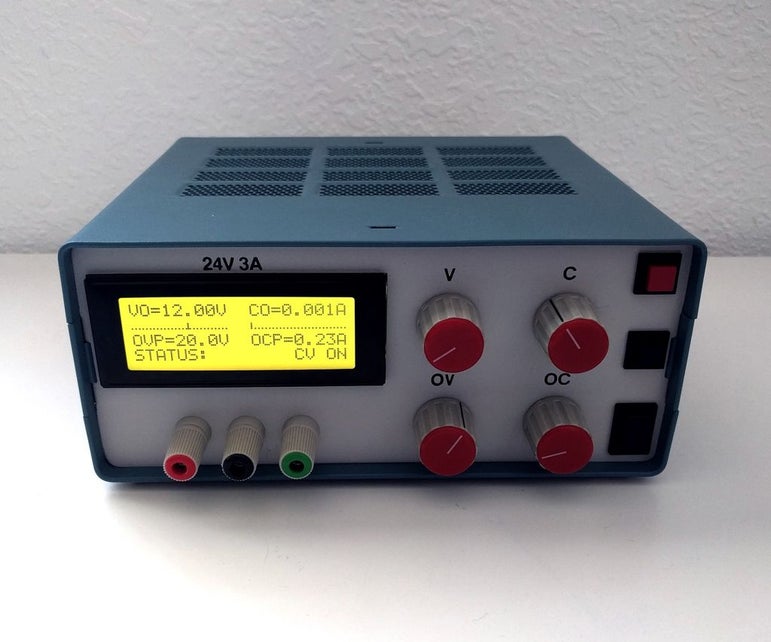
For extra safety during motor or high-current experiments, current limiting kicks in automatically — here's a demo-style view of a supply protecting a project:
Best Kiprim DC Power Supplies for Arduino & Raspberry Pi Projects
Kiprim's programmable models are ideal for makers — they offer fine resolution (1mV/1mA steps), fast current limiting, clear CV/CC indicators, and plenty of headroom for most projects.
Top recommendations for makers:
- Kiprim DC310Pro 2-in-1 Programmable Power Supply and Multimeter (0-30V/0-10A) — Best all-rounder: Programmable + built-in multimeter to measure your project's consumption
- Programmable DC Power Supply (0-30V/0-10A, 110V Input) — Affordable, reliable choice for everyday Arduino and Pi powering
For projects needing higher voltage (e.g., testing motors or sensors):
- Kiprim DC605Pro 2-in-1 Programmable Power Supply (0-60V/0-5A)
- Kiprim DC605S Programmable DC Power Supply (0-60V/0-5A, 110V Input)
High-current needs (multiple Pis, servos, or heavy loads):
Browse the full maker-friendly lineup: Kiprim DC Power Supplies Collection
Final Thoughts: Level Up Your Maker Projects
A quality DC power supply transforms your Arduino and Raspberry Pi experience from "good enough" to professional-grade. With precise control, real-time monitoring, and built-in protection, you'll debug faster, experiment safely, and build more confidently.
Whether you're blinking LEDs, running AI models on Pi, or prototyping IoT devices, Kiprim programmable supplies give you the reliability and features makers need — at a price that won't break the bank.
Power up your next project with Kiprim today and see the difference a great bench supply makes! 🚀
0 comments